
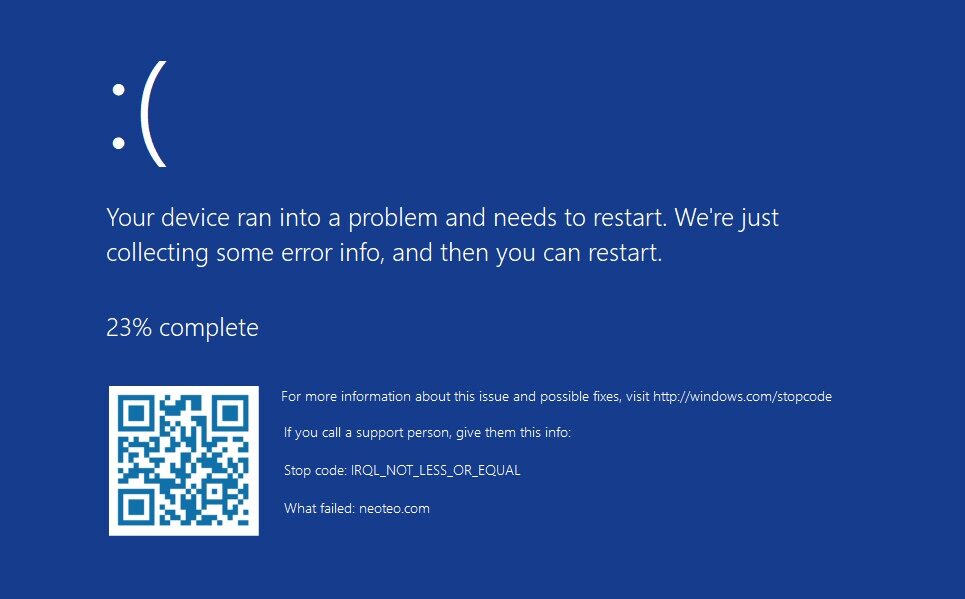
The world has had enough blue screens over the past week... but why should we stop? Although official methods exist to generate simulated blue screens, we can also download special tools that reproduce those error messages based on older versions of Windows. One of those tools is Blue Screen Simulator Plus, free and open source.
A joke, a quick explanation, a tutorial, or a training guide. The blue screen of death can do much more than report critical Windows failures, but it's not a good idea to trigger them. The best approach is to use a virtual environment and download an additional tool. Not My Fault from Microsoft Sysinternals is an excellent option; however, it lacks features to customize the error message. That's where Blue Screen Simulator Plus steps in: a blue screen simulator “recharged” with secondary parameters and the ability to choose the exact type of BSOD.
Blue Screen Simulator Plus: Simulated and Customized Blue Screens
The first option in the interface is the preset selector, which includes a list of Windows editions ranging from 1.x to Windows 11. On the oldest versions of the operating system, blue screens were displayed in text mode, but that changed starting with Windows 2000 with BSODs at 640x480, and finally reached native resolutions with Windows 8.
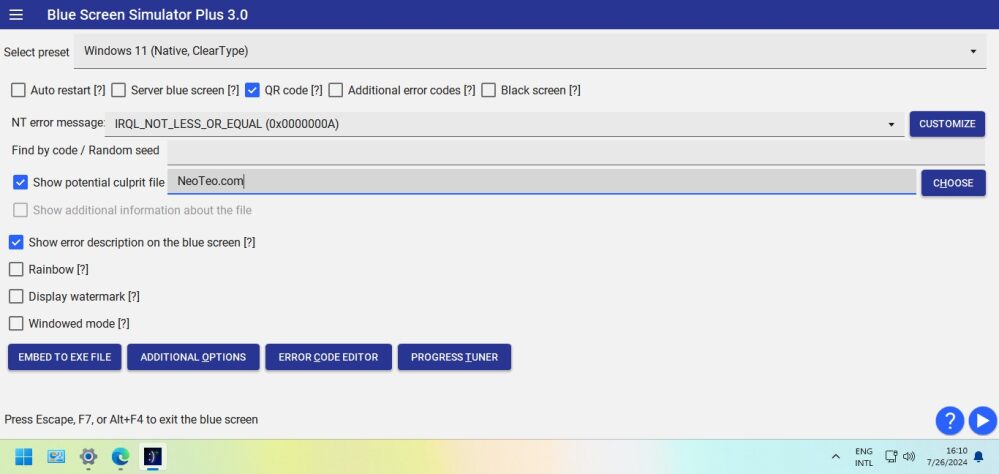
The program also lets you add or remove the QR code, generate additional error codes, get a server blue screen (that is, without the emoticon), and turn the blue into black, as seen in some preview builds. As for the error itself, there are only four presets (the first being nothing less than IRQL_NOT_LESS_OR_EQUAL), but the Customize button gives access to hundreds of alternative messages.
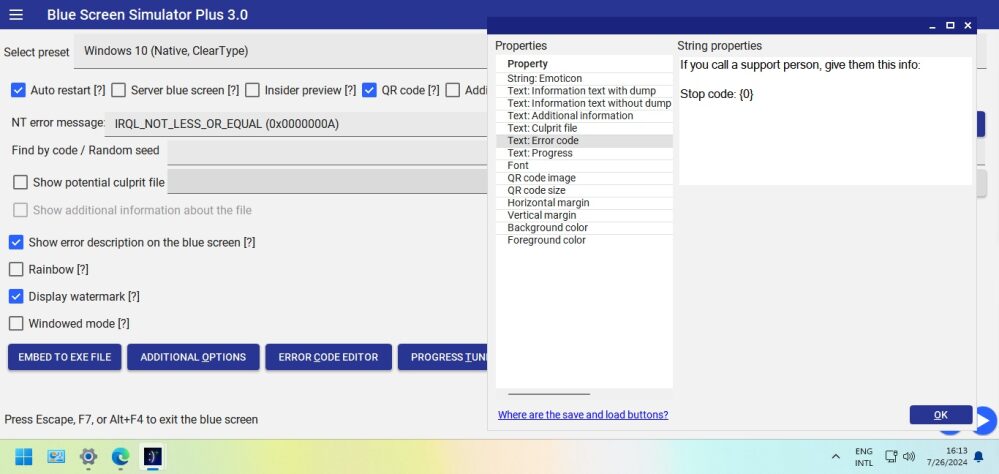
Additionally, you can select a “culprit file”, activate windowed mode (thus avoiding full-screen use during the simulation), and inject a watermark to emphasize that it’s a fake blue screen. The last four buttons of Blue Screen Simulator Plus lead to functions for editing error codes, modifying the progress of the fake screen as it “collects” information, enabling experimental options, and turning the blue screen into an exe. Link below!
Official site and download: Click here


