
In this article, we'll introduce you to OCR programs that let you extract text from an image or a scanned document, so you can edit the text you previously had as an image. Then you can save the text in the most popular formats (text editor formats), so you can do whatever you need with it.
FreeOCR
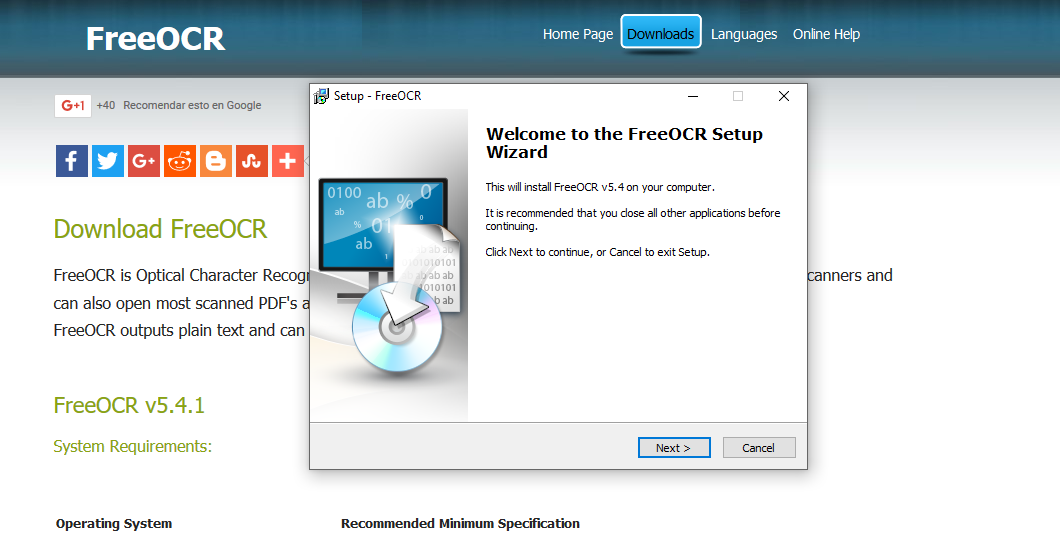
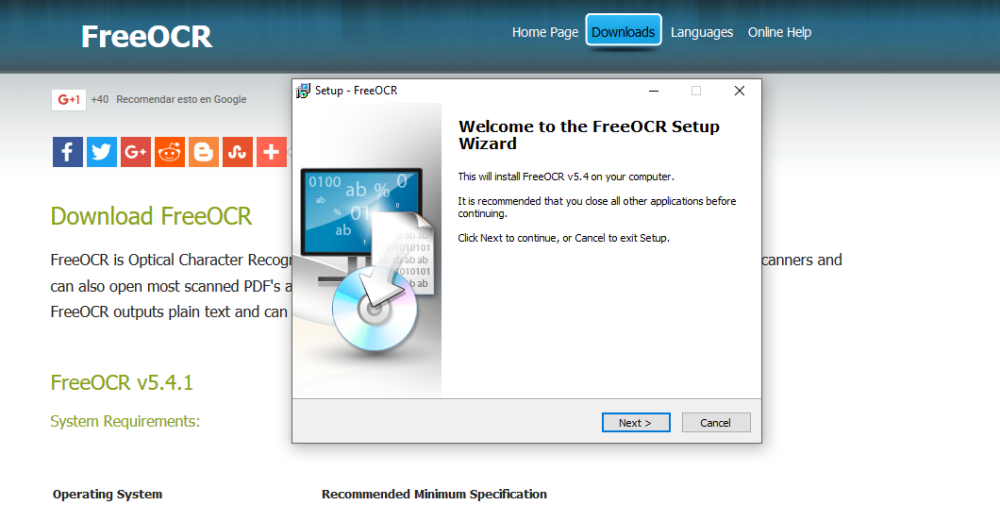
We'll start with FreeOCR, a powerful OCR platform that lets you extract text from the most popular image formats (BMP, JPEG, TIFF, PDF among others). Another point in its favor is that it supports Spanish, which makes text extraction more accurate. FreeOCR is a free program available for Windows operating systems.
SimpleOCR
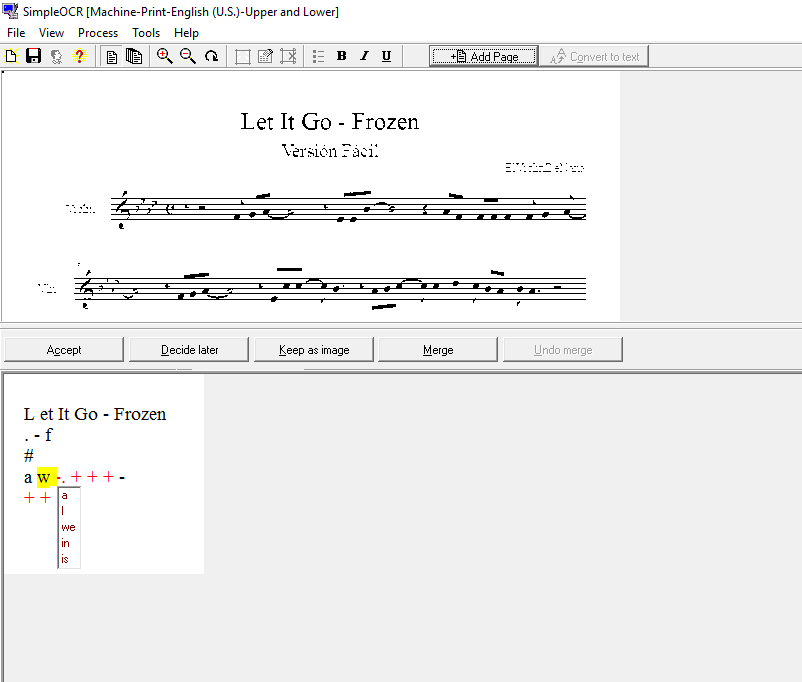
We continue with SimpleOCR, a simpler platform than the previous one, but with some advantages. The most important is batch OCR processing of several images at the same time. After batch extracting text from documents, the environment highlights in red the words that need review. The platform supports English and French among other languages, and extracting text in Spanish may cause some problems, but if you need to extract text in English, French, or combined, it's a good alternative. SimpleOCR is a free program available for Windows and Linux.
GT Text
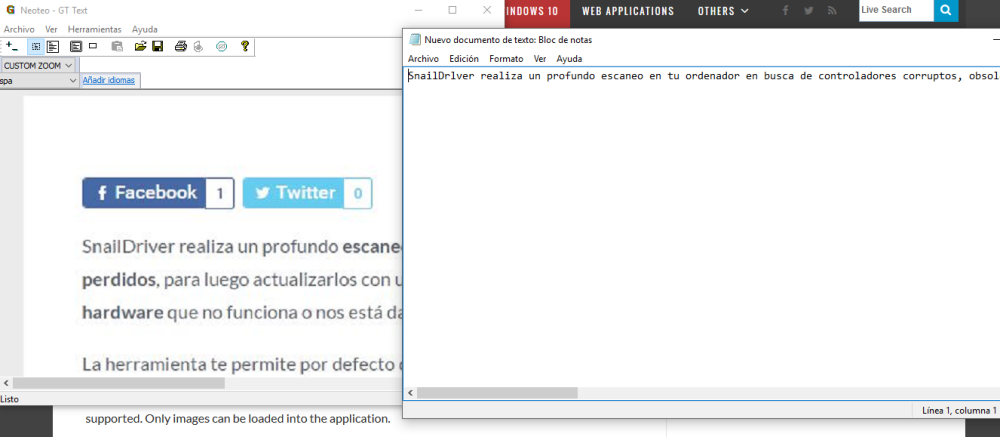
GT Text is a program that lets you easily extract text from an image or scanned document (BMP, GIF, JPG, JPE, TIF, TIFF and PNG). The good thing about the platform is that you can download the languages you need from its interface. In our tests, text extraction from both images and scanned documents worked perfectly. GT Text is a free program available for Windows.
MeOCR Converter
MeOCR Converter is a very simple tool for extracting text from an image (BMP, GIF, JPG, JPE, TIF, TIFF and PNG), but unlike GT Text, it includes a text editor from which you can edit or export the extraction. The environment has a large number of languages, including Spanish, and thanks to that it performs extraction almost perfectly. MeOCR Converter is a free program available for Windows.
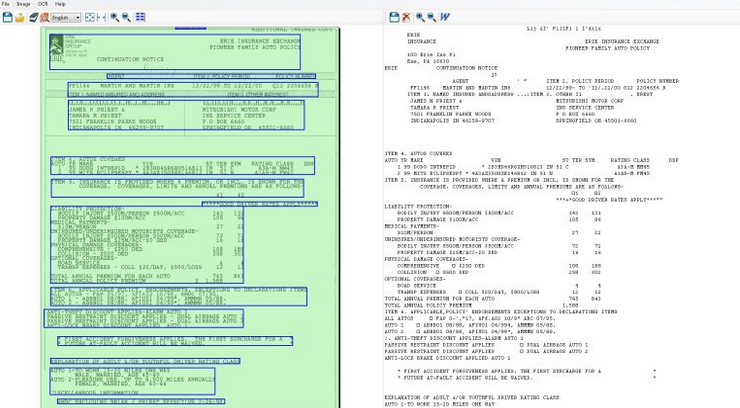
Image to OCR Converter
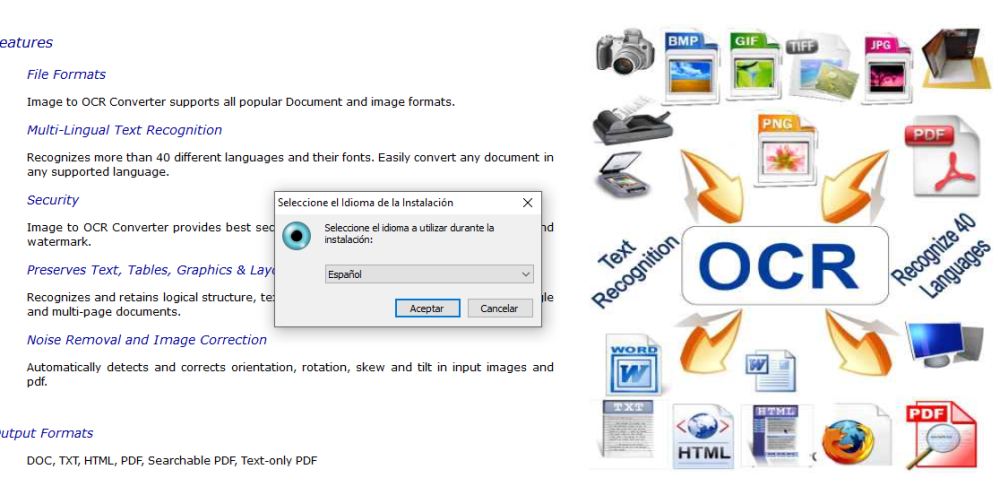
We'll finish with Image to OCR Converter, a platform that extracts text from images, PDF files, HTML, and scanned documents. (We could say that the utility converts almost all documents to text.) This text recognition tool works very well, supports Spanish, and does everything through a simple user interface. (It also includes a very good text editor.) Image to OCR Converter is a free program available for Windows.
We hope that with these OCR programs you can extract text from almost all documents and save time typing it.


