
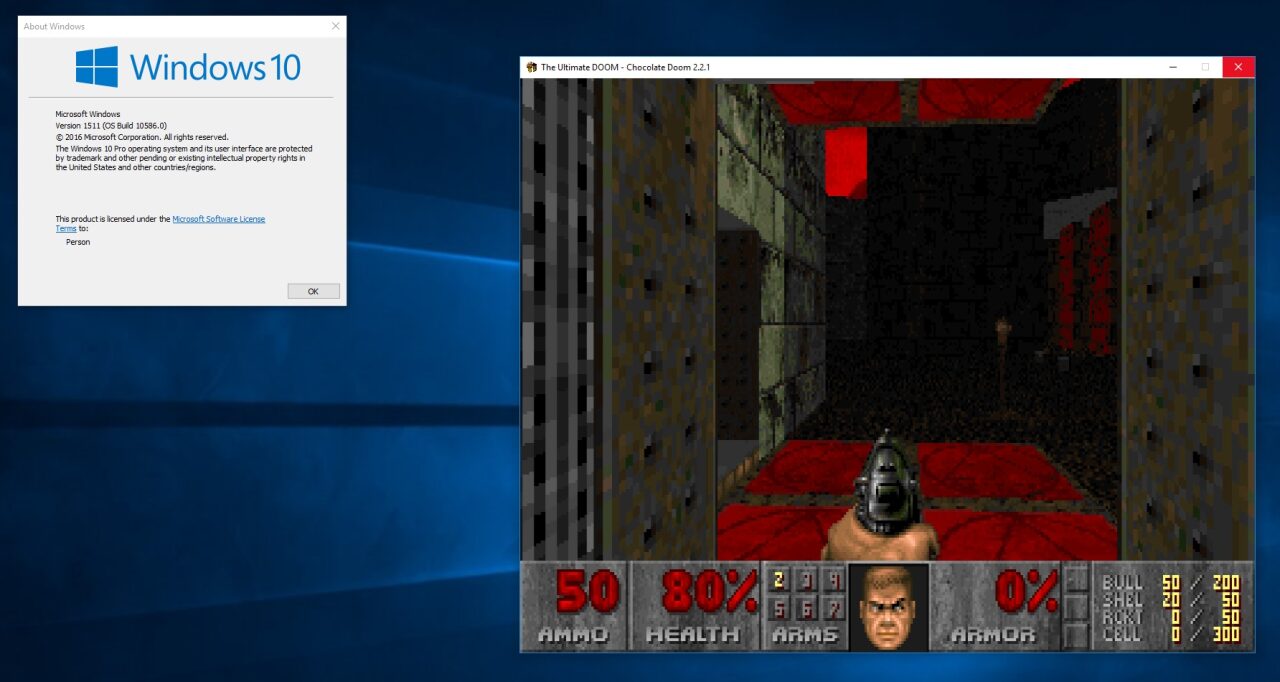
The fan community has done an extraordinary job turning the classic Doom into the new "Hello World" of the 21st century, but many players still wonder how to play Doom on a modern PC without resorting to emulated environments or weird hacks. Fortunately, there are three free and open-source projects that not only make loading levels a couple of clicks away but also include very convenient modifications for graphics, sound, and controls.
Eternal Doom, Classic Doom, Doom Forever
The Doomslayer's story may have found a temporary pause after the end of The Ancient Gods (it's been five months already, so no spoiler complaints), but deep down we know it's far from over. While Bethesda decides what to do with the franchise, I have a proposal: go back to the beginning. Let E1M1 blast through the speakers, and let the screams of zombies and Imps fill the corridors of the Martian base once more.
Previously we explained how to access an open-source version of Prince of Persia without DOSBox or virtualizers. The good news is that we can take a similar approach to play Doom on a modern PC by downloading one of these three tools: Doomsday Engine, Chocolate Doom, and GZDoom. The difference is that the original resources of the Doom series remain proprietary, but there are several easy and cheap ways to get them, or alternatively, you can download the shareware version of the original WAD without restrictions.
How to Play Doom on a Modern PC: Doomsday Engine
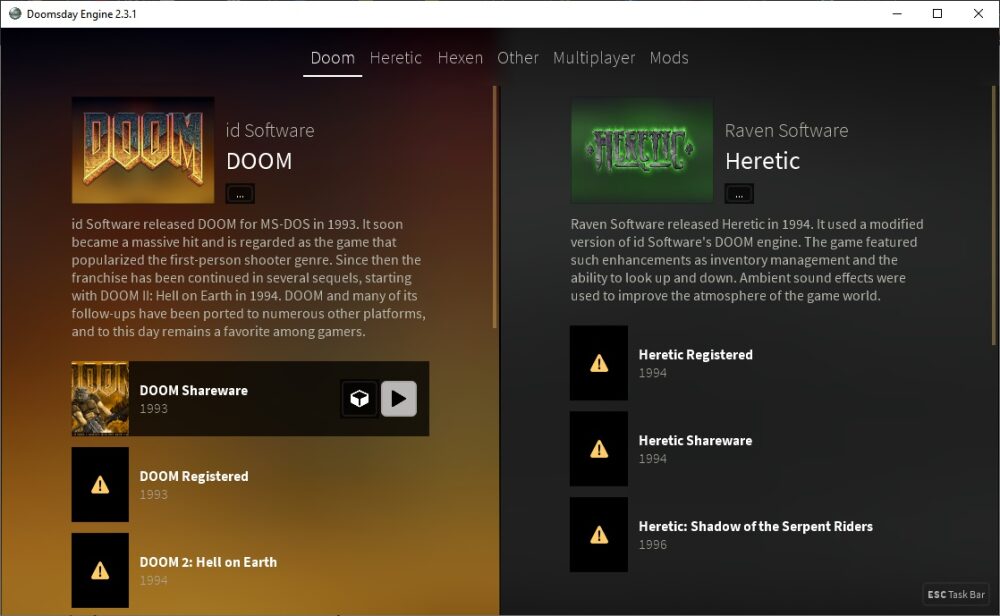
This is not the first time I've talked about Doomsday Engine. Last time I focused on graphical improvements, but in practice it offers much more: Doomsday Engine is actually a complete frontend for running both the Doom saga and the Heretic/Hexen franchises. In addition to the aforementioned graphical optimizations, there are also sound settings, extensive multiplayer support, and let's not forget the ability to install mods. Copy the WADs into the same folder as the executable, and Doomsday Engine will take care of the rest.
Chocolate Doom
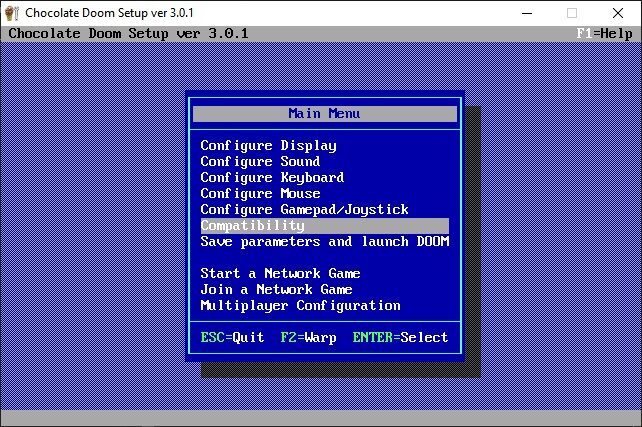
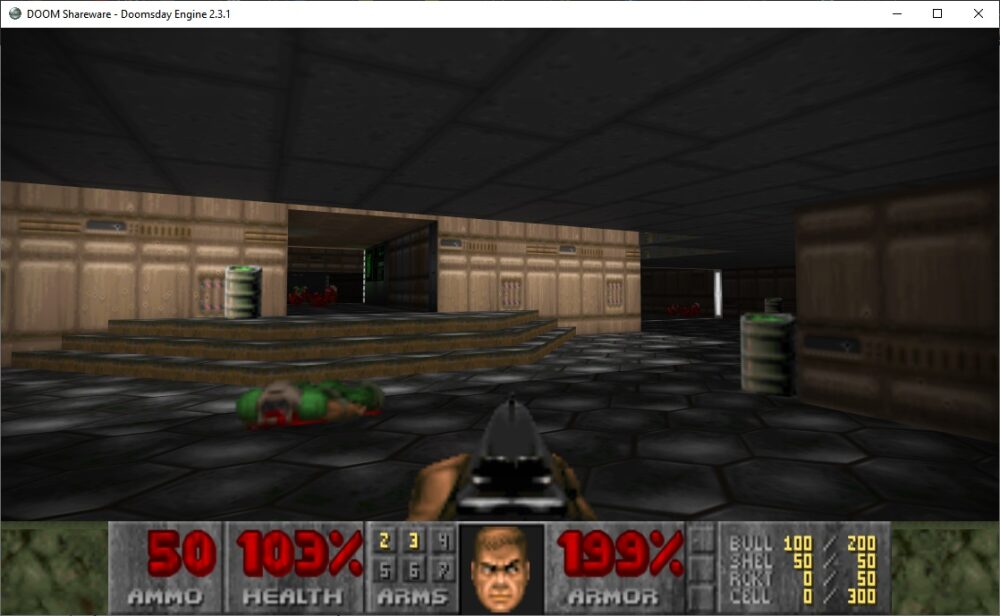
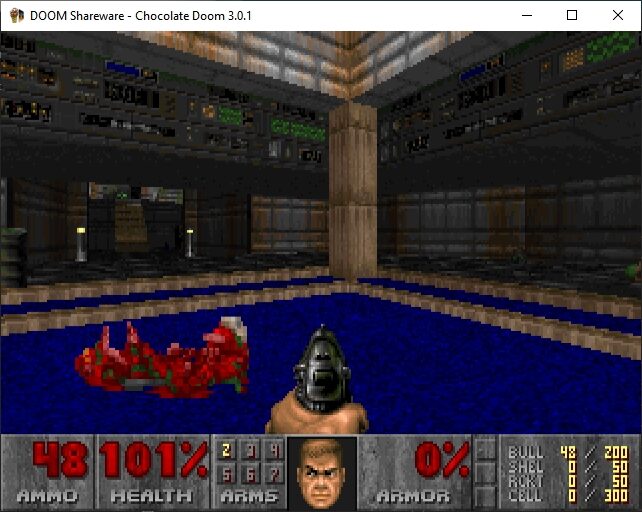
Instead of enabling advanced graphical options and side effects, Chocolate Doom goes in the opposite direction. Its goal is to let you play Doom on a modern PC, but reproducing the original experience as it was in the '90s. In fact, its developers talk about "historical accuracy," and they don't even attempt to fix old bugs, except for certain exceptions (for example, those that could crash the computer). Its compatibility extends to savegames, configuration files, and demos (.lmp files), just as they were created by the "vanilla" editions. If you want to replay an old speedrun, Chocolate Doom is probably your best bet.
GZDoom
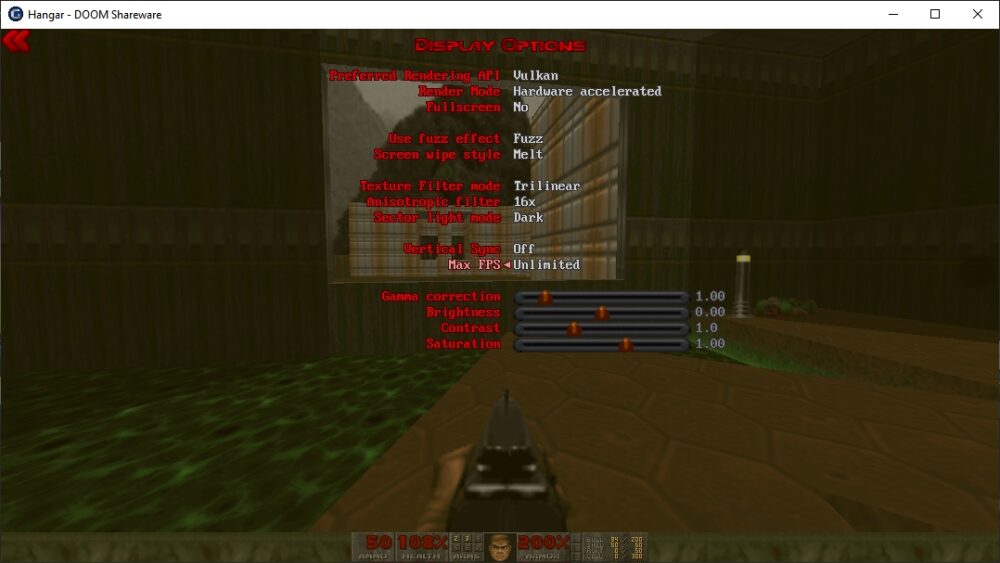
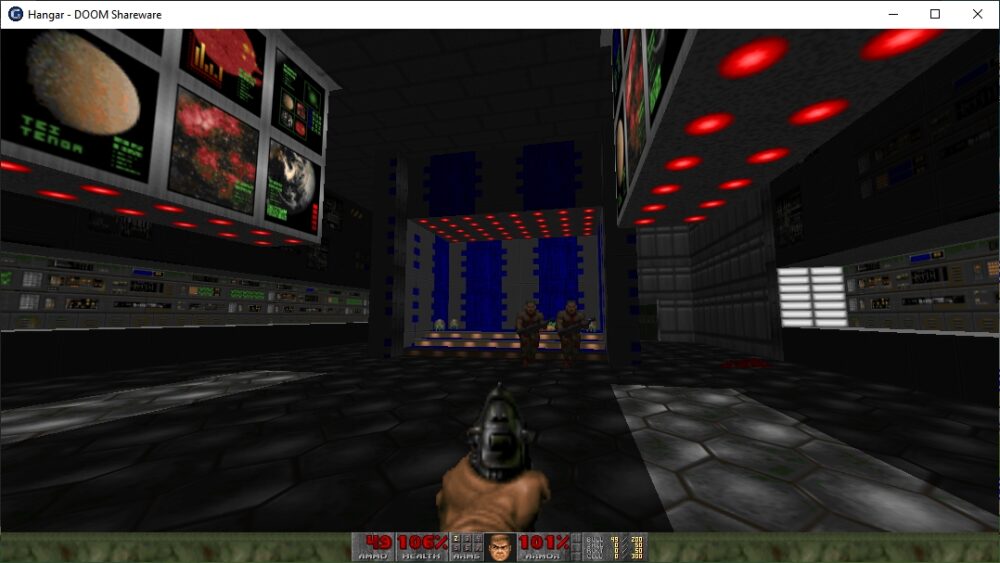
GZDoom bets its chips on support for modern technologies. Want to play Doom in 4K? You can. Prefer Vulkan over OpenGL? All you have to do is choose that API in the menu. The official page offers three different versions, with 32-bit builds and even a PowerPC edition for older machines, but if your PC can hold its own and you want to take Doom to graphical extremes, don't think twice and download a copy of GZDoom. Drop the WAD into the same folder as GZDoom, and detection will be automatic.
How to Download Doom WADs?
The shareware version of Doom is very easy to obtain: Doomworld is one of the most popular mirrors, and the wiki also shares a download link, in addition to publishing technical information about each version (size, CRC32, SHA-1, and more). The full editions are on sale for pocket change at Good Old Games, Steam, and other online stores, but if you already own a copy of Doom 3: BFG Edition (which often appears with significant discounts), don't forget that the two WAD files for Doom and Doom II are part of that edition.
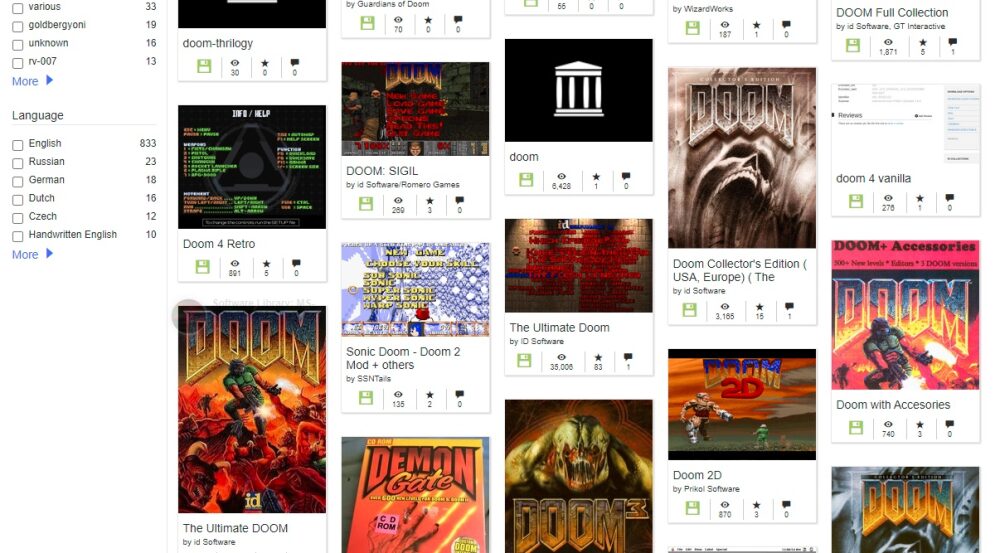
Alternatives? Well... no point denying it: the Internet Archive stores copies of every conceivable package, mod, and special edition. From floppy disk images belonging to early builds to full CD images, almost everything is there.
In Summary
Beyond mods, hacks, and adaptations for Game Watch and pregnancy tests, playing Doom on a modern PC is easier than ever. Download one of the tools (there are just three, and many more to explore), load the WADs, and finish everything off. Happy hunting!


