
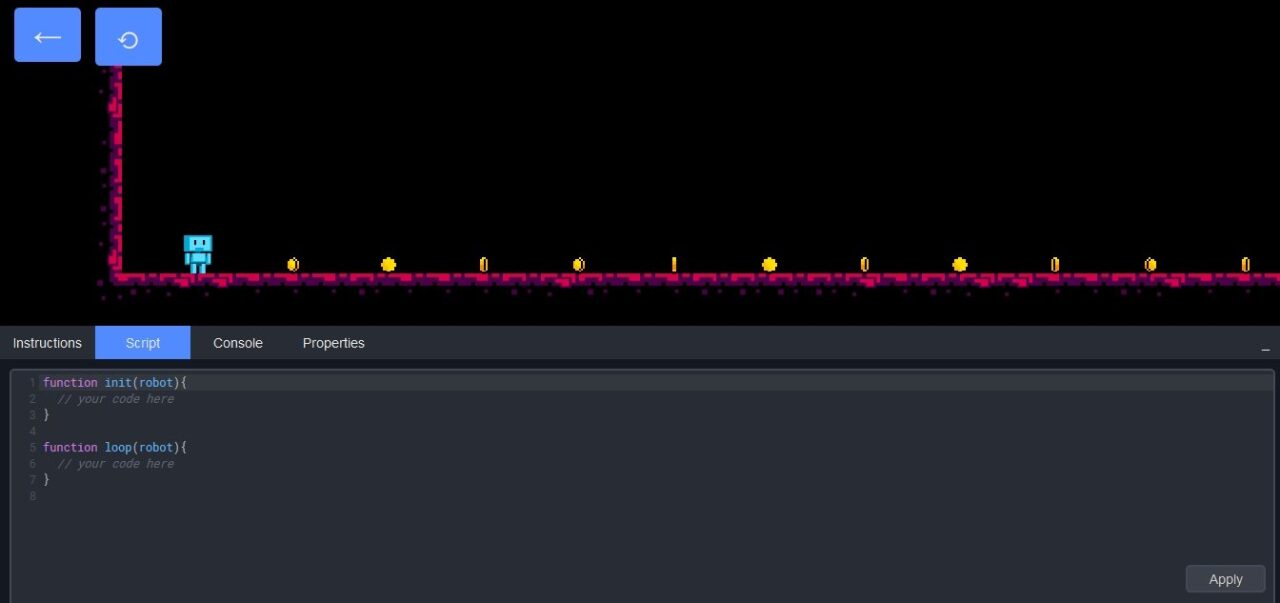
Building bridges between users and available programming languages is complicated, but one of the most effective methods we've seen is learning while playing. In the past we've come across platforms like CodeCombat, Code Kingdoms, and even a Code.org initiative based on the Star Wars franchise. Today it's JSRobot's turn: a JavaScript programming environment where we must control a small robot.
It's not easy. At this point there's no point denying it. Like many other things, learning a programming language requires time and dedication, but the story doesn't end there. You have to experiment, make mistakes, go back, delete everything, start from scratch, study other similar projects, throw a couple of keyboards out the window, go get them, and try again. The famous where do I start? is hard to answer, but we can always give it a shot. If the idea is to attract the little ones, I think the aforementioned CodeCombat is a good starting point, however, today I want to make a place for JSRobot.
A JavaScript Training Ground
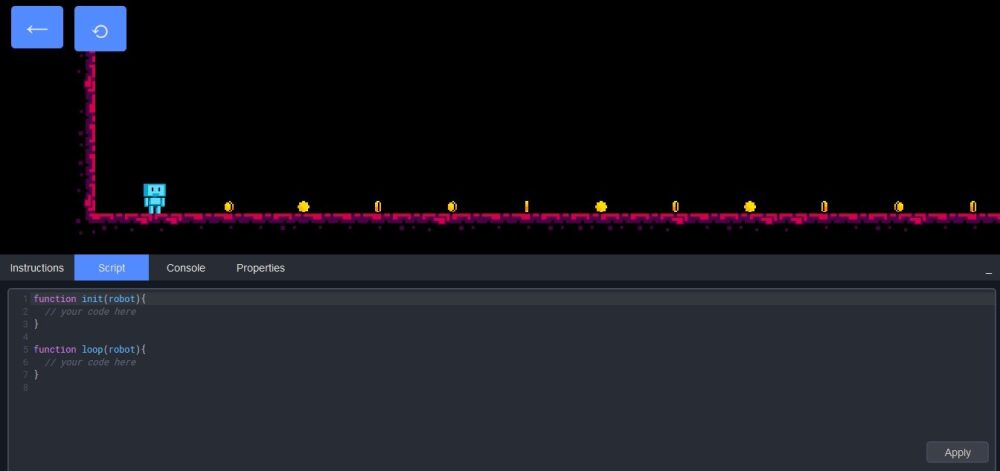
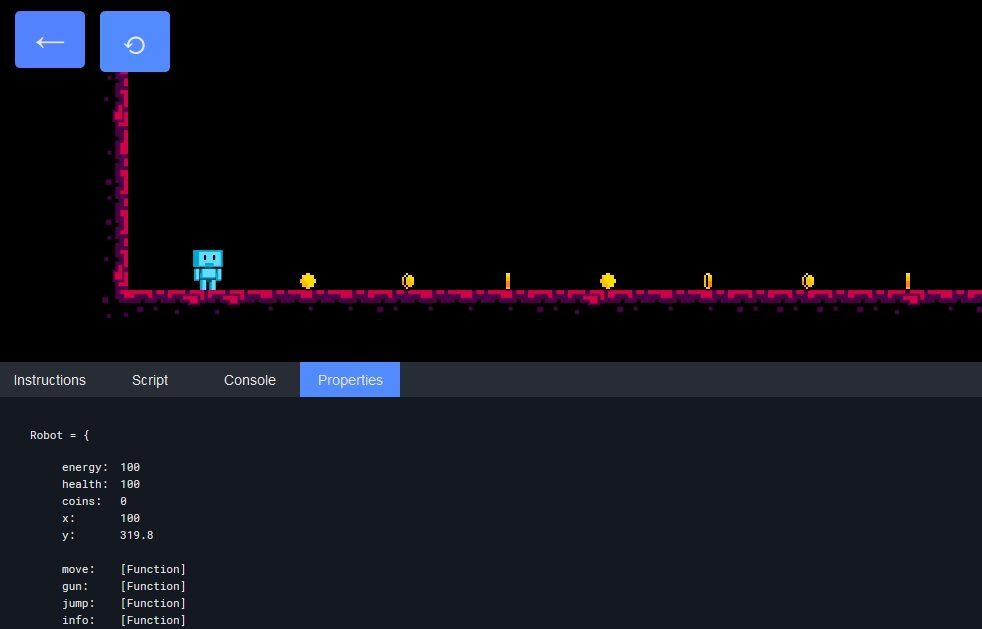
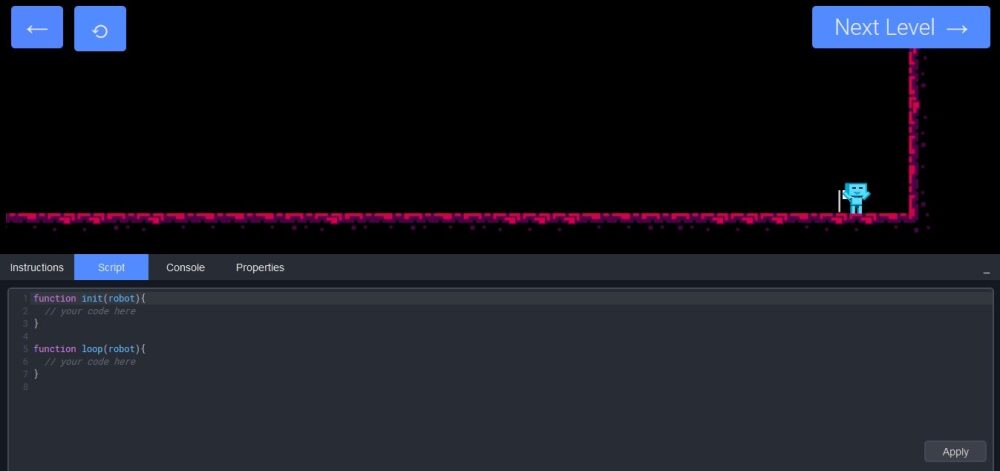
From a technical point of view, JSRobot is not only a JavaScript learning environment, but also a training one. The first thing the site does is share an excellent video that teaches the essentials of JavaScript in just twelve minutes, and then it presents several levels with a small blue robot that must collect coins and reach the goal. Each level has a series of instructions that serve as a base, but the rest depends on our coding skill. The key is to be efficient, since the robot has energy and health limits. If we exceed them, we'll have to start the level again.
Open Source and How to Try It
JSRobot is an open source project available on GitHub, and anyone can take a closer look or get a copy for local execution. For now, the best way to access it is by visiting its page directly with a compatible browser (Firefox and Chrome work very well).


