
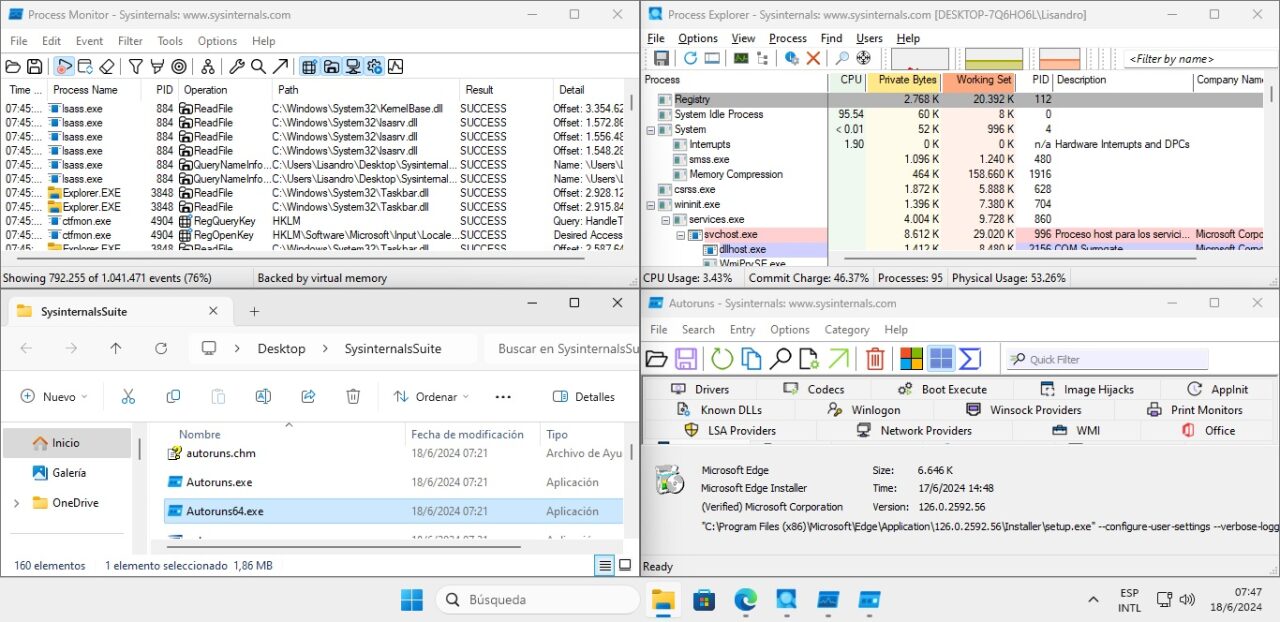
When starting any maintenance session or managing a computer's resources, the tools we adopt are as important as our work. A background problem can go from nightmare to minor incident if we have the right program to identify it, and if possible, fix it. Microsoft Sysinternals applications are well known here at NeoTeo, but this time I would like to remind that we can download them all in an official package, Sysinternals Suite.
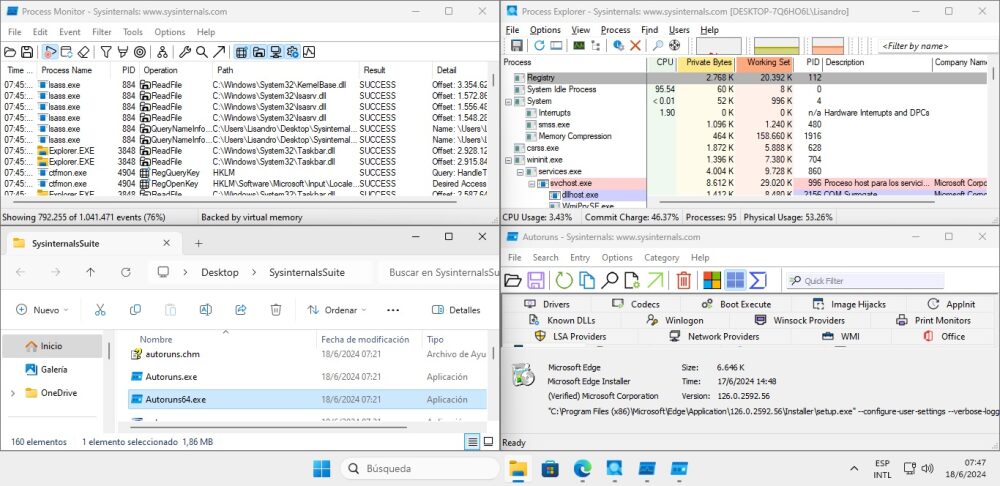
One of the most frustrating aspects of Microsoft is that it can do an excellent job when it sets its mind to it, and a strong proof of this is in the Sysinternals tools. Developed originally by Bryce Cogswell and Mark Russinovich (current CTO of the Azure division), Microsoft acquired its resources in July 2006. In the process, all available code was removed and some specific applications were also deleted (such as the case of NT Locksmith that recovered passwords), but the vast majority remains there, available free of charge through its official section on Microsoft Docs. The best part? We can download all the apps at the same time, in its Sysinternals Suite.
Sysinternals Suite: An essential tool package for any Windows PC
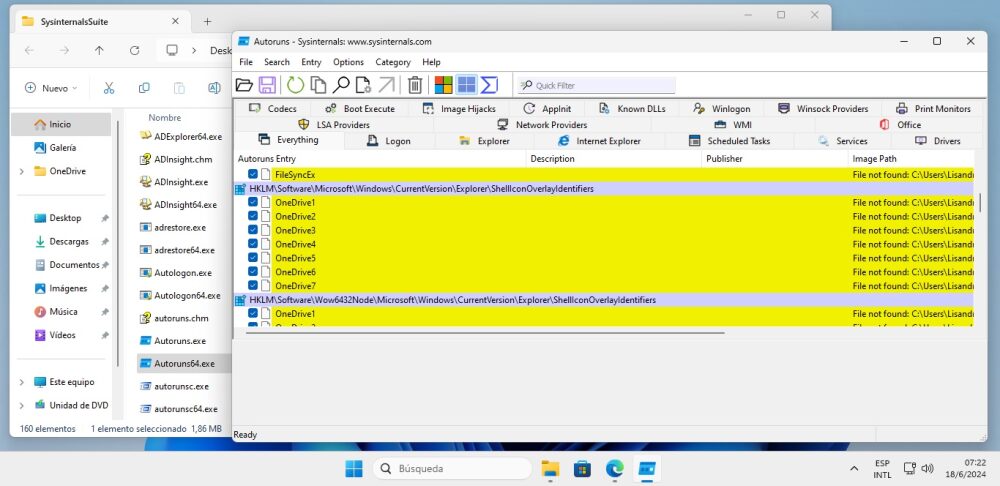
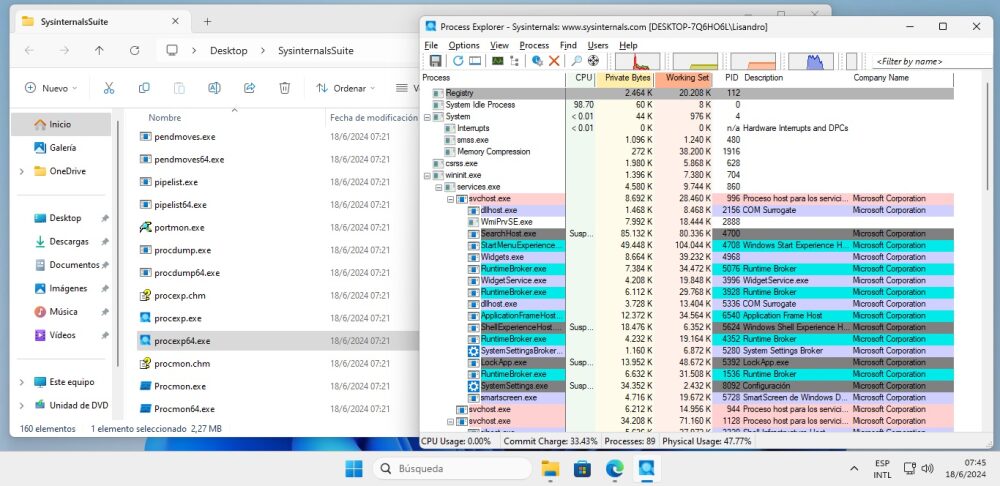
Some of its programs are certainly known to us. At the top of the list is Process Explorer, an excellent replacement for Task Manager in all cases, and then we have Autoruns, the quintessential detector of every element that starts with the operating system. The last update for this package was published at the end of May, but that doesn't mean the programs are bleeding edge or anything like that. Some have been in stable phase for entire years, and being resources focused on Windows diagnosis, they really don't need to change much (an example is the Contig defragmenter, which was updated in March last year).
In this era of subscriptions and paywalls, it is refreshing to see that Sysinternals Suite maintains its free profile, and since it doesn't require a traditional installation, it is the perfect companion for any maintenance-focused USB drive. You might feel it's not necessary to carry all applications, but with an overall size of 50.7 megabytes (at the time of writing these lines), there is no storage or transport inconvenience. Link below!
Official site and download: Click here


