
In this article, we recommend four numeric keypad simulators for Windows. This way, you can enter numeric digits and other symbols through a virtual keyboard. This feature is ideal for laptops that lack a numeric keypad or to speed up the entry of numbers and symbols.
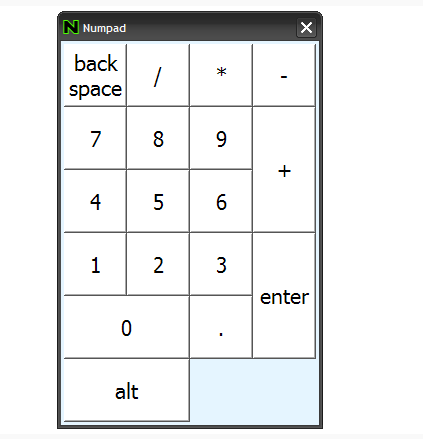
Numpad Emulator
We start with Numpad Emulator, one of the best virtual numeric keypads. The tool runs at the top of the screen and includes all numeric digits and mathematical signs. It also lets you easily enter Alt codes. The environment allows you to customize its interface and shortcut keys.
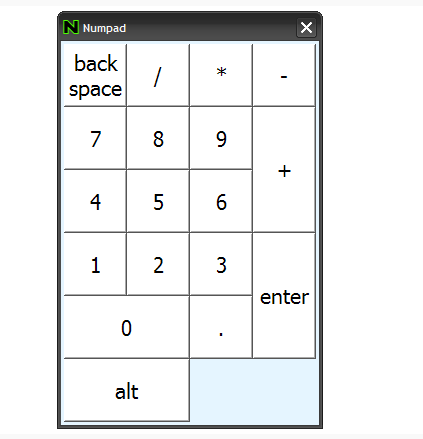
On Screen Number Pad
Next, we have On Screen Number Pad, a virtual numeric keypad that is actually a script written in AutoIt. The keypad runs at the top of the desktop and can be used in any internal or external Windows program.
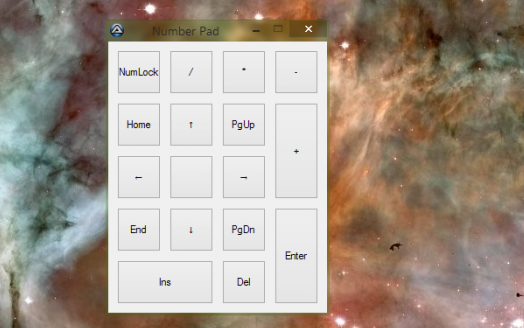
KeyPad
KeyPad is another script written in AutoHotkey that lets you have a numeric keypad on your computer. The environment's key simulation allows you to enter numbers, arrows, and the functions Page Down, Page Up, Insert, and Delete.
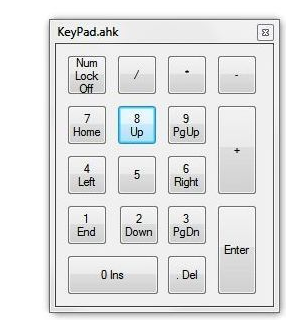
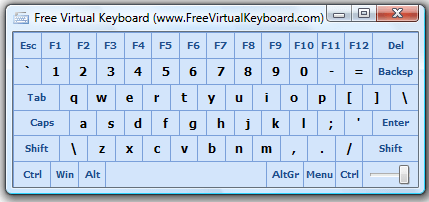
Free Virtual Keyboard
Finally, there is Free Virtual Keyboard, a powerful on-screen numeric keypad that runs at the top of the screen. Besides simulating numbers, it simulates the lock key. Its transparent interface and the ability to customize the design stand out.
With these four virtual numeric keypads for Windows operating systems, you can install a virtual keyboard on your laptop or give your computer a new function. All programs are free.


