
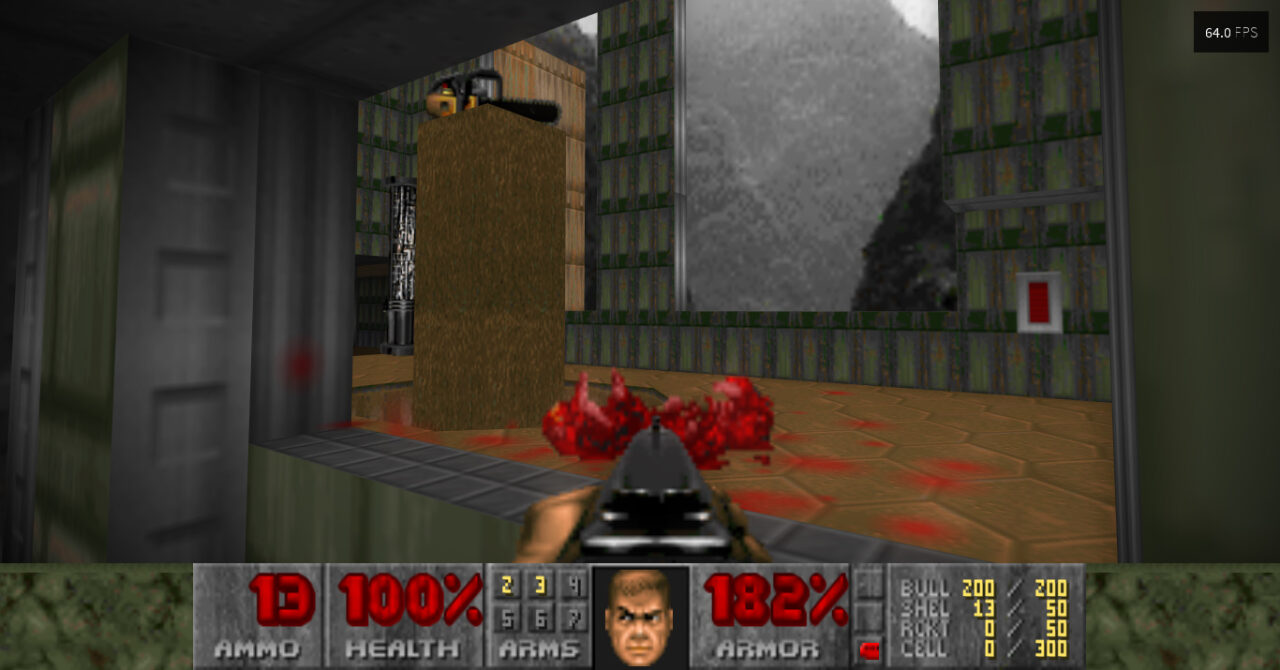
On December 10, Doom will turn 26 years old, and let me tell you, it doesn't show its age at all. Its community is vibrant, mods keep circulating as if it were day one, and the fact that it runs on almost any piece of hardware only amplifies its reputation. Now, if you plan to play it from start to finish, you might run into some technical details, and the graphics might feel a bit basic. Don't worry, all you need is a copy of Doomsday Enginea copy of Doomsday Engine and the game's WAD files.
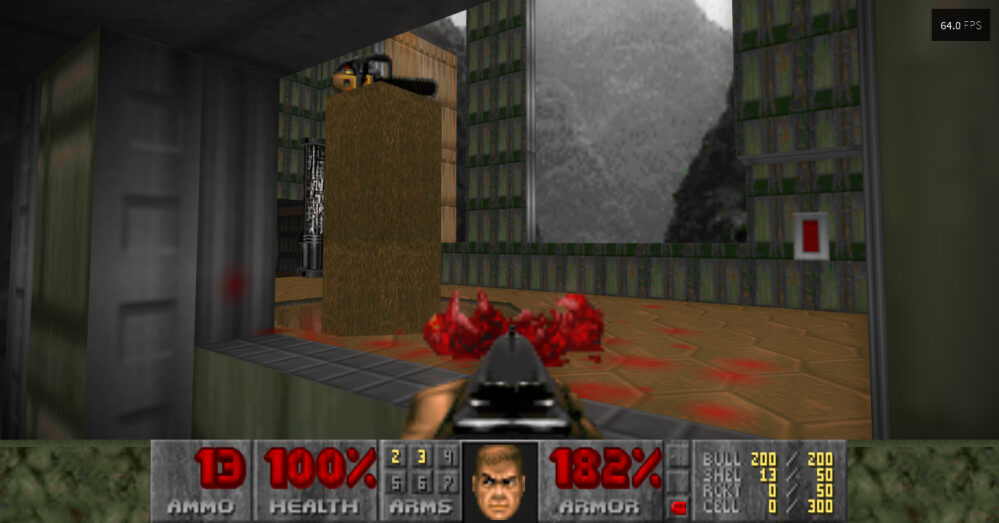
Yesterday we talked about video game randomizers, patches and modifications that move items around, improve enemy traits, and present unknown maps in titles we already know by heart. A game that stands out as a candidate for such alterations is Doom. With (almost) 26 years under its belt, the space marine's battle against the infernal hordes hasn't lost intensity, but it has become a bit predictable for those who have finished the game three or four times.
Of course, familiarity also has its advantages, and it opens the door to new challenges, among which speedrunning stands out. But what if you've never finished it? How hard would it be to return to Phobos and Deimos? Can we do something about its graphics? The answer to both questions lies with Doomsday EngineDoomsday Engine, a port for Doom and its sequels that optimizes essentially every aspect of the games, including resolution and controls.
How to improve Doom's graphics
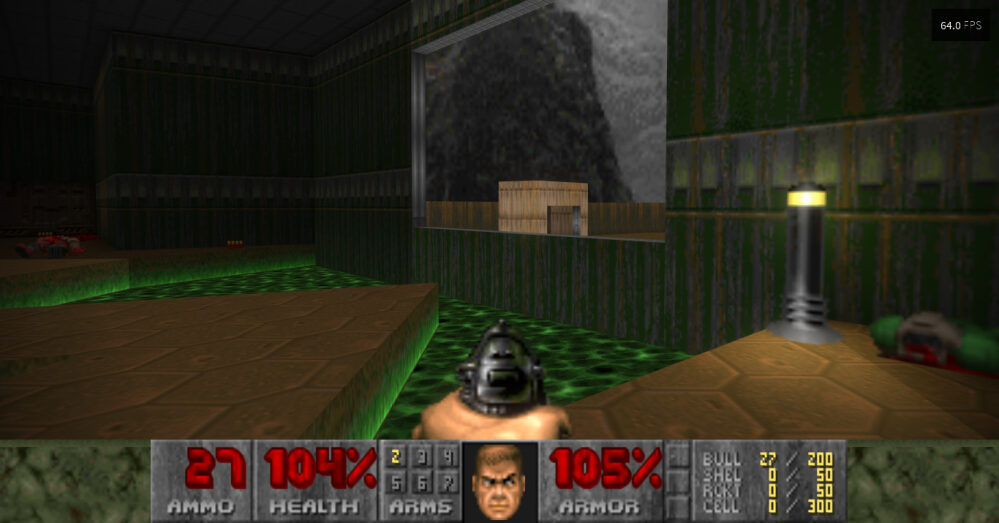
Unlike what happens with Chocolate Doom (which focuses on reproducing the original experience to the point of preserving bugs), Doomsday Engine leaves no stone unturned. Advanced resolutions, antialiasing and v-sync, alternative refresh rates, and changes to the color palette are some of the options available under this environment. Doomsday Engine also supports multiplayer games and the integration of additional mods.
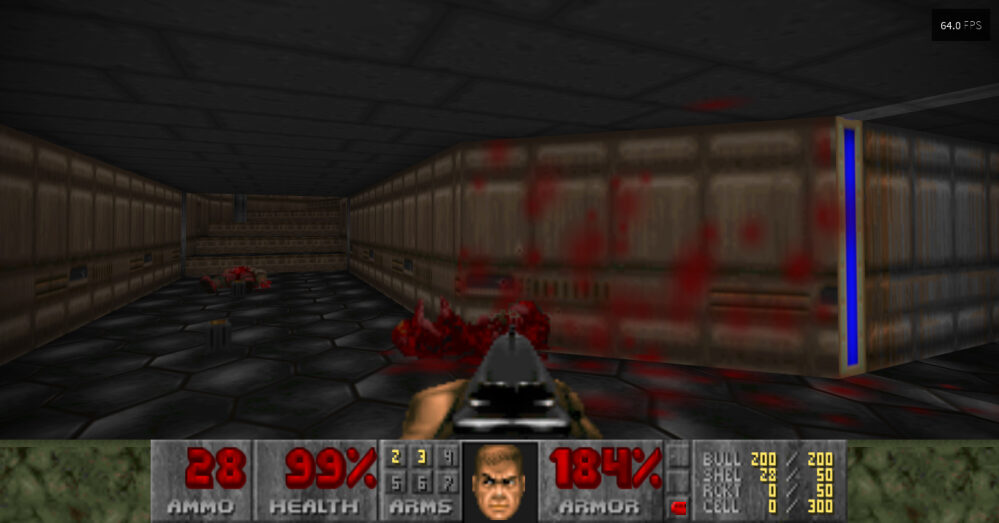
What do we need to do to improve Doom's graphics? Honestly, not much. It's enough to unzip Doomsday Engine into a folder, create another one inside it to store the games' WAD files, and indicate the exact path to that folder from the interface. More than a supermod, Doomsday Engine behaves like a kind of mini-Steam, launching and configuring each title automatically.
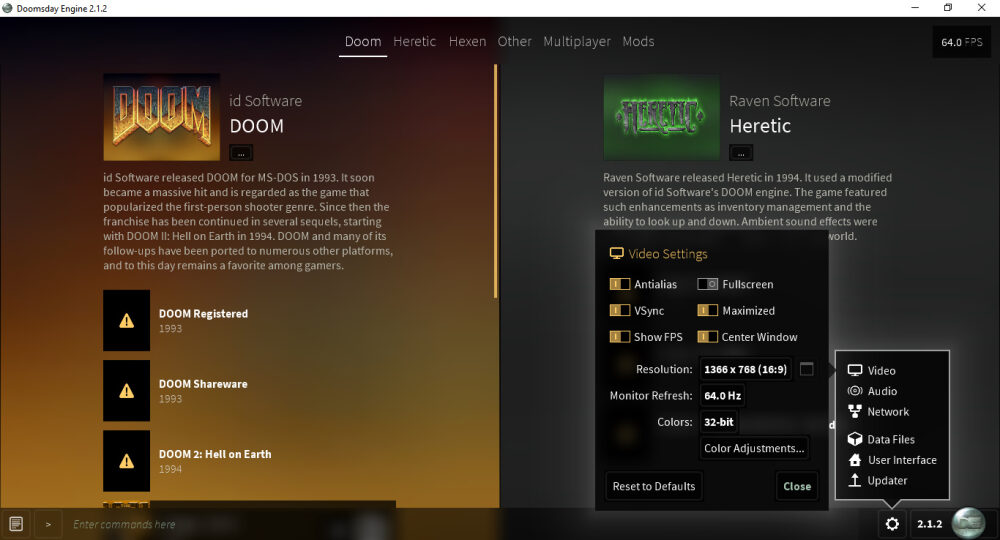
Is Doom not enough for you? Good news! Doomsday Engine can optimize two other classics based on its engine: Heretic and Hexen. The mechanism is the same: copy the WAD files into the folder you've chosen as the 'hub' for game data, and Doomsday Engine will detect them automatically. Personally, I recommend starting with Doom. Entire legions of enemies are waiting for you, with improved graphics and new effects.
Official site and download: Click here
https://old.neoteo.com/2doom-la-mejor-demake-de-doom/


