
In everyday conversations with friends, two common topics always come up: complaining about the politicians who govern us and about the flaws of Windows 10. Among the complaints about Microsoft's operating system are: automatic updates, forced restart, and programs built into Windows. For this last case, we want to introduce you to Chemo, a tool that lets you remove the programs built into Windows 10 (Cortana, OneDrive, disable the display of Internet search results in the Start menu, etc.). The platform will also allow you to: remove Microsoft Store packages, set the system clock to UTC, force Ctrl + Alt + Del at login, disable forced restart after update, etc.
Before anything else, a warning: Chemo is a very good platform that solves the things we don't like about Windows 10. But be careful, because although the developer's page and forums don't warn that using Chemo affects the stability of the operating system, the tool goes into places where Microsoft doesn't like us to go. Therefore, before using the program, we recommend creating a system restore point to recover from any problem (if it occurs).
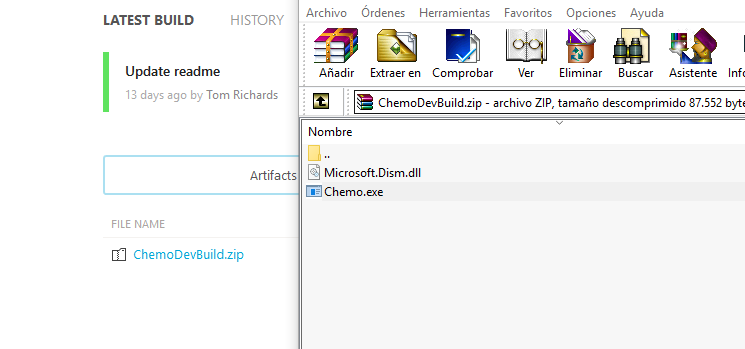
The first thing you have to do is download the .zip file. After extracting it, you'll have to run Chemo.exe. Its interface is very simple, on the left you'll find the sections: Remove Microsoft Store programs, disable Cortana, remove OneDrive, disable web search results, disable Internet Explorer, force Ctrl + Alt + Del and disable forced restart after update, among other functions.
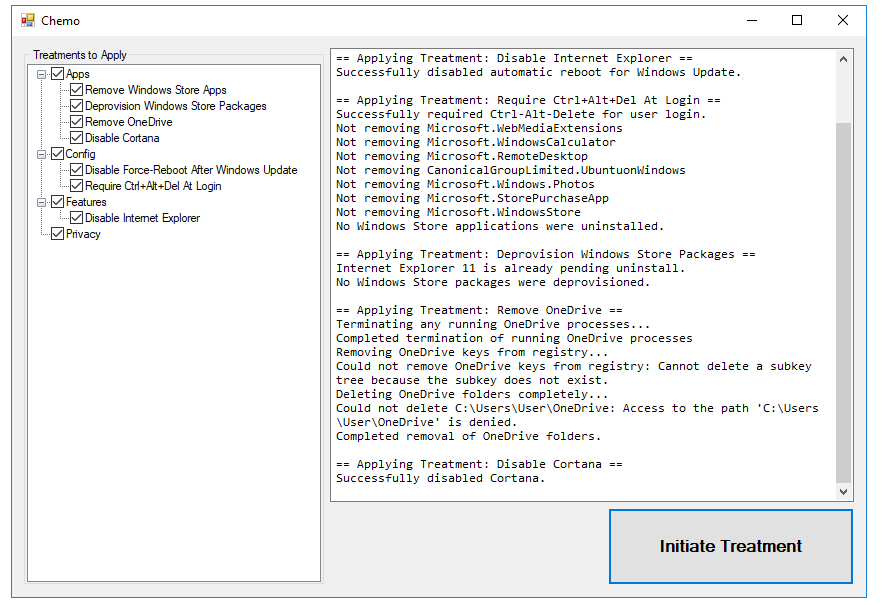
After selecting one or several options, all you have to do is click the Initiate Treatment button. At this point you'll see how the platform performs the process and immediately the results will be visible on your computer. It won't ask you to reboot.
One of the great advantages of Chemo is that you'll find all these functions in a single platform (similar services exist, but you'll have to download several tools). All you need to do is check the items you want to remove or disable and press a single button, so the program does everything automatically.


