
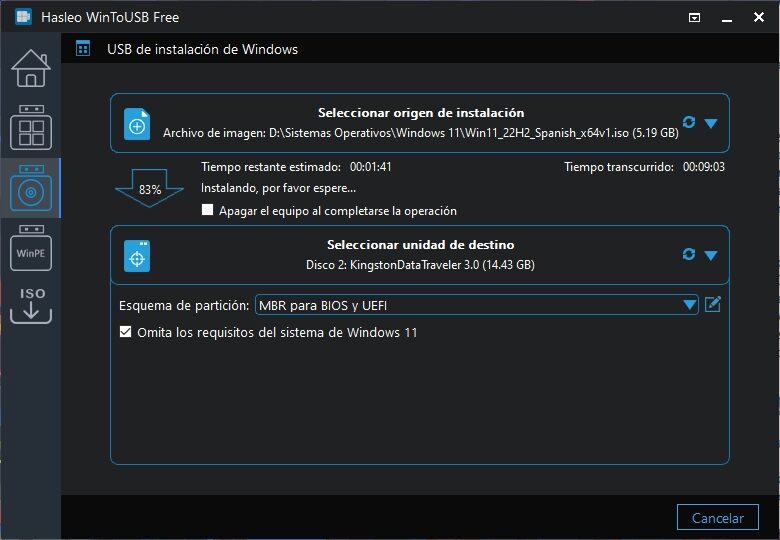
The Windows installation USB drive is a fundamental resource when restoring the optimal condition of any computer, whether repairing existing damage or creating a new environment from scratch. Our preferred tool for writing those drives is Rufus, but it never hurts to add alternatives, and one of them is Hasleo WinToUSB, which includes support for preparing To Go environments, installing WinPE images, and downloading the latest ISOs.
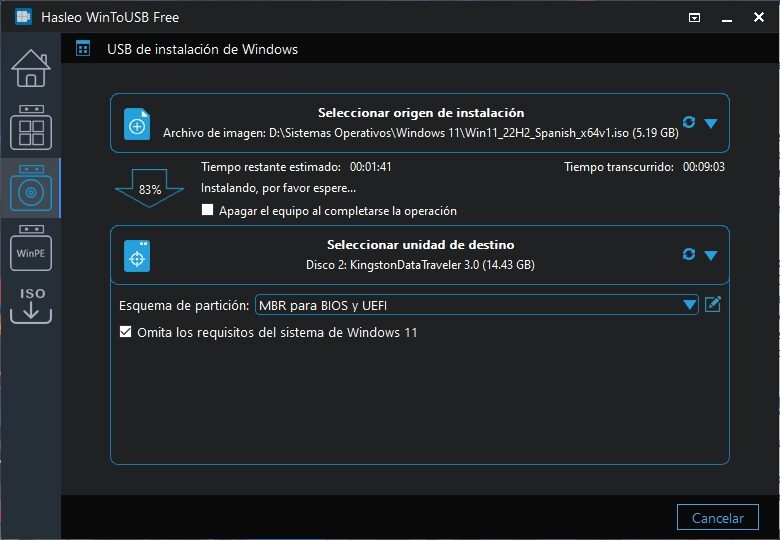
The latest available Windows 10 ISO image is on the verge of six gigabytes. That means it already exceeds the size of the Windows 11 ISO, but regardless of which operating system you choose, one thing is certain: you will need an 8 GB USB drive at minimum, and the right tool to dump its contents. At the top of the list we find Rufus, preferred by many users for its portability and flexibility. However, there are alternatives that definitely deserve our attention, such as Hasleo WinToUSB.
How to create Windows installation USB drives with Hasleo WinToUSB
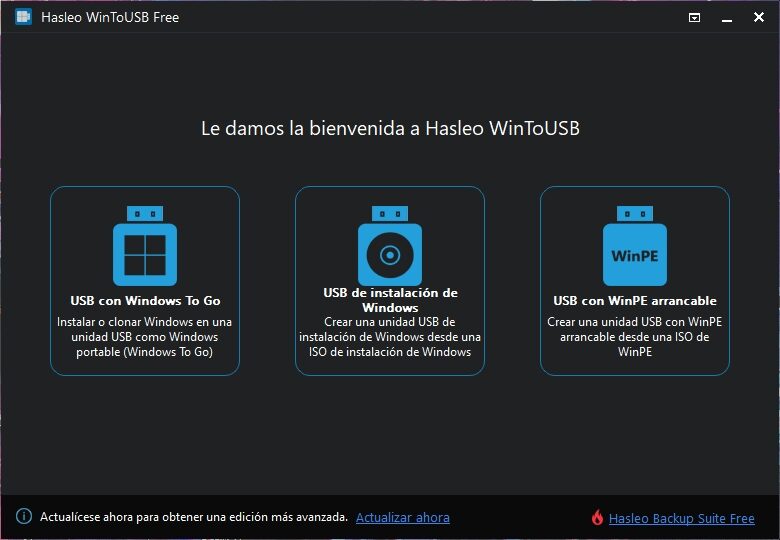
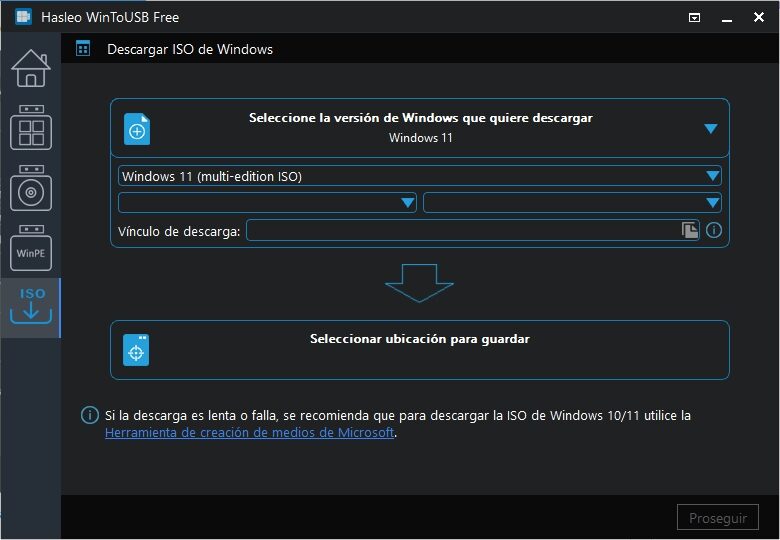
If the name sounds familiar, it's because it's from the same developer who created the Windows ISO Downloader and the Disk Clone for cloning partitions or entire disks. The Hasleo WinToUSB interface is divided into five sections: the start menu where we can choose what we want to do, creation of Windows To Go, installation USB drive, bootable WinPE USB, and the downloader for official images. The Windows To Go tool allows us to use files from an existing installation, while in the case of WinPE we must provide a compatible ISO image.
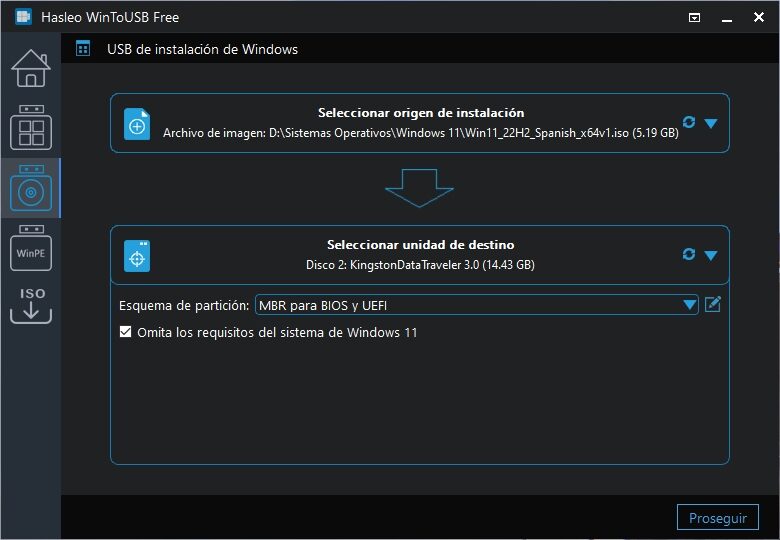
When creating an installation USB drive, WinToUSB asks us for the exact location of the image (or alternatively, order its download) and then to select the destination unit and the partition scheme. This step is important to ensure the installer's compatibility on older computers. If the image to copy is Windows 11, WinToUSB will enable an option that bypasses its hardware requirements. Pay close attention when selecting the correct destination, since the program also shows internal drives in the menu.
The last step is to confirm the operation (that includes accepting the formatting of the destination unit) and wait for the file copy. Hasleo WinToUSB took a few minutes on a USB 3.0 drive, but it all depends on how fast the unit is. To finish, the free edition of the program has some limitations, but its main function of creating Windows installation USB drives works very well.
Official site and download: Click here


