
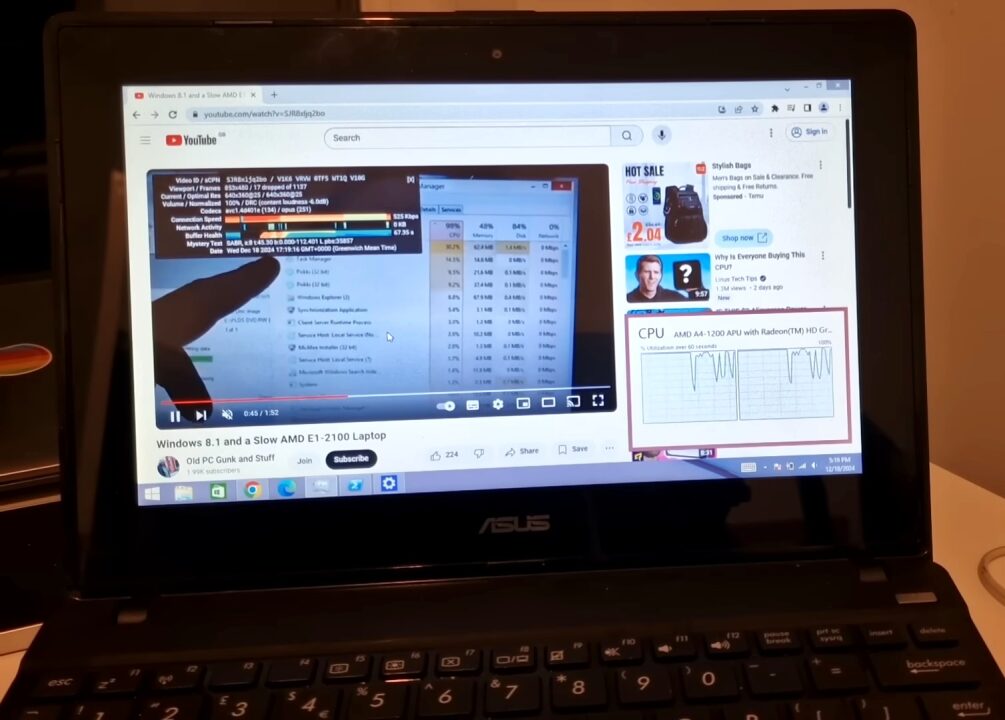
It's easy to blame Microsoft for the premature retirement of perfectly functional computers. After all, it has given us plenty of reasons to do so, and the absurd requirements of Windows 11 are the most recent example. However, even if we decide to stick with an older version (or bet on a lightweight Linux distro), there is another element that attacks the heart of those computers with a few years on their shoulders… and it is the Internet. One of the latest videos published by Old PC Gunk and Stuff on YouTube invites us to review the difficulties these systems have even when loading basic portals.
It's never a bad idea to keep a computer with older hardware and an older version of Windows for compatibility reasons. In my case, it's an old netbook with an Intel Atom N550 and 32-bit Windows 7. With four threads at 1.5 GHz, part of my brain insists on believing it shouldn't be that slow, but it's enough to open YouTube to turn internet browsing into torture, and pin those threads at 100 percent utilization.
Even worse is video playback, because YouTube tries to send streams encoded in VP9, and the N550 can't even accelerate H.264. Now, it's likely some reader might think "Lisandro, it's a chip from 2010, you're delusional", but this reaches other humble computers too, and it's not only YouTube: It's all the Internet.
The pain of browsing the Web with 'old' hardware
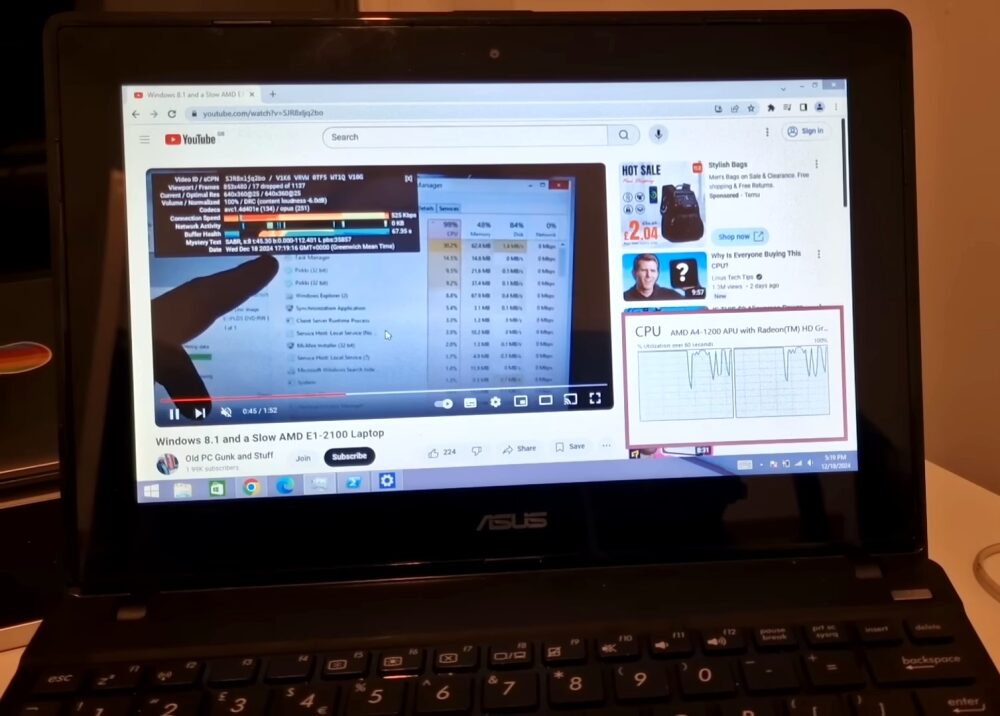
So we come to the channel Old PC Gunk and Stuff, which in December of last year published a video demonstrating the difficulties an AMD netbook has doing something as simple as loading The Guardian's newspaper page. The processor is an AMD A4-1200, basically a chip for tablets that ended up inside a netbook, and with just two cores at 1 GHz, any level of "multimedia intensity" is immediately ruled out... but the text of a site shouldn't cause so many headaches.
Many comments point to JavaScript as the real culprit, or rather, the way it's used today. Modern sites have solved various issues thanks to JavaScript, but the "price" is devouring memory and CPU cycles. Replacing Windows 8.1 with Puppy Linux doesn't really improve things for this machine, and as tempting as it is to disable JavaScript, breaking almost the entire web in the process doesn't make sense.
Finally, the video mentions H264ify a couple of times, an extension compatible with Chrome and Firefox that forces YouTube to serve videos in H264/MP4 (and hopefully, access its hardware acceleration). Another possibility is visiting mobile pages (which require a user agent edit in the browser), and of course, it would be a mistake on my part to forget those portals that offer a very convenient "text mode".


